Eight minutes, one SQL Server, and a performance monitor that stays on screen through both migrations.
Presented by David Vincent, Technical Marketing, VergeIO. Roughly eight minutes.
Can you run SQL Server on spinning disk without paying for it in latency? Most storage tiering demos show you the interface rather than the answer. David Vincent moves a live SQL workload across VergeOS tiers, from NVMe down to 10K spinning disk and back, and leaves the throughput and latency graphs running the whole time so you can watch what the move actually does.
Key Takeaways
- A live SQL workload moves from Tier 1 NVMe to Tier 4 spinning disk with throughput and latency holding flat, since reads are served from RAM cache.
- At a 10,000 request peak load the application handles about 727 filings per second on NVMe and about 473 on 10K spinning disk, with commit latency under a millisecond on both runs.
- Tier placement is a volume property an administrator sets. The migration runs through the API in the background and the workload stays online.
What happens when you move SQL Server to spinning disk
The Verge lab runs four tiers in one cluster: Tier 1 NVMe, Tier 2 SAS SSD, and Tiers 4 and 5 on 10K SAS hard drives. Changing a volume’s tier takes one field. Open the drive, set Preferred Tier, submit. TempDB moves from Tier 1 to Tier 4 in seconds.
Then comes the part that matters. The SQL data and log volumes move down to Tier 4 with the monitoring app running, and the latency line holds where it was. A load simulator fires 10,000 filings at a tax application on Tier 1, then repeats the identical run after a migration to Tier 5.
Why SQL Server on spinning disk holds its latency
The Full Session
Can You Afford Your Next Storage Refresh?
George Crump and David Vincent on the first storage refresh in thirty years that prices higher than the original purchase. Available on demand.
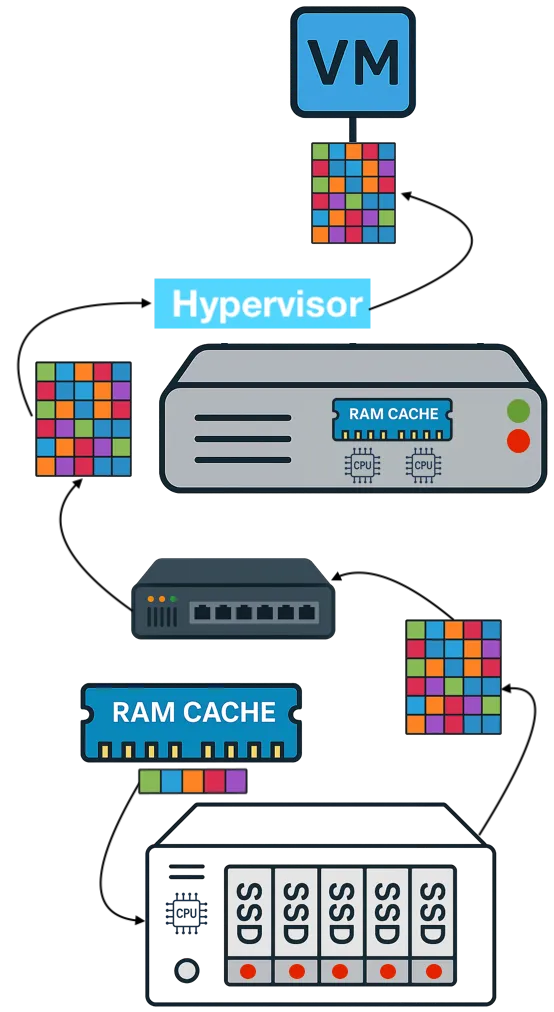
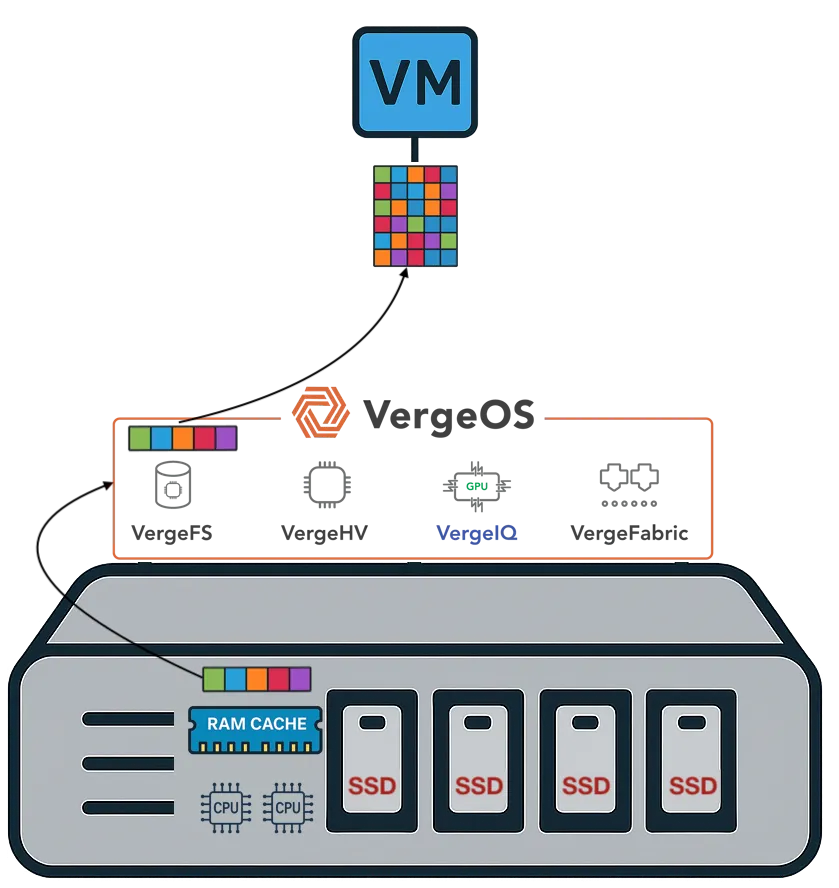
Watch the SessionThe answer sits in the read path. VergeOS caches the active working set in server memory and in an NVMe read cache. The demo includes an anatomy view of one transaction: the client issues the request, the server checks the pool, finds the page resident in RAM, skips the disk entirely, and returns in 146 microseconds. Tier assignment has no influence on that path.
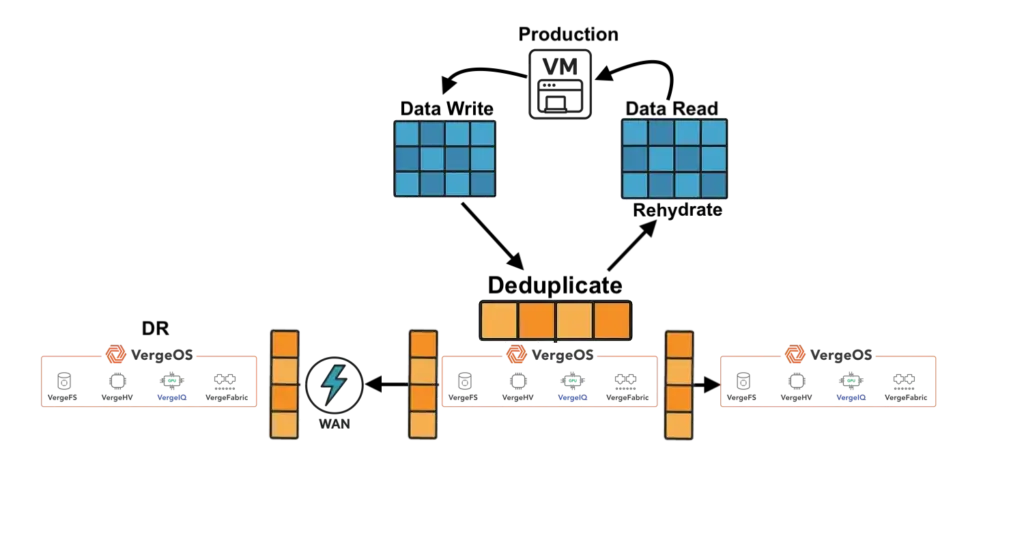
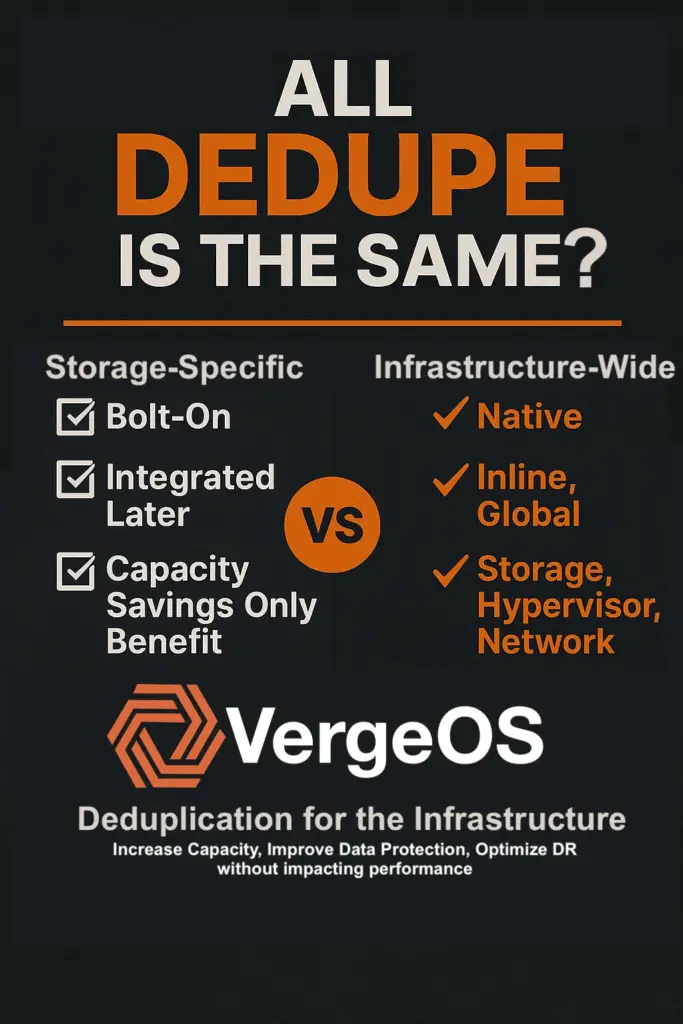
Most database workloads run read-heavy, commonly around eighty percent reads against twenty percent writes. Those reads come out of the RAM cache rather than off the media, and global inline deduplication lets that cache serve more of the environment from the same memory.
Writes go to the tier the volume currently sits on. The tier therefore governs a minority of the real I/O path, which is why moving a database to spinning disk costs about a third of the throughput rather than falling off a cliff.
Cold reads tell the honest version of the story. A request that misses both RAM and the read cache goes to the media, and spinning disk answers slower than flash. That difference shows up under peak load, and it stays a fraction of the price difference between the two.
| Measure | Tier 1 NVMe | Tier 5 10K SAS |
|---|---|---|
| Filings per second, peak load | About 727 | About 473 |
| Commit latency | Under 1 ms | Under 1 ms |
| 10,000 filings | About 13 seconds | About 21 seconds at that rate |
| Single read, RAM hit | 146 microseconds | 146 microseconds |
| Time to change the tier | Seconds | Seconds |
| Block migration | Background, workload online | Background, workload online |
What this means for a 2026 refresh
Auto-tiering guesses where your data should live. You already know. A tax firm knows in October what April looks like, and the identification algorithm learns that fact weeks late. Tier control turns a capacity purchase into a calendar decision: flash for the busy season, hard drives for the eleven months after it, in the same pool, under the same deduplication.
That matters more this year than it did three years ago. Flash and DRAM prices are climbing into 2027 as the cloud AI build out consumes supply, which makes an all flash refresh the most expensive way to solve a problem the drives in your servers can already solve. The licensing side compounds it, and Storage Switzerland has written about how capacity-based storage licensing breaks the economics of HCI.
The written version of this argument runs in Storage Tiering Is Not the Problem, Losing Control of It Is. To put a number on your own environment, the Refresh Cost Diagnostic is a twenty minute working session and a five page report.
Frequently Asked Questions
Does the workload go offline during a tier migration?
The volume stays online. VergeOS moves the blocks in the background through the API as the application keeps serving requests, and the demo runs a load test across a migration to show it.
How much slower is spinning disk in practice?
In this lab run, peak throughput moved from about 727 filings per second to about 473, with commit latency under a millisecond on both. Your result depends on how much of your working set fits in RAM and read cache, which is the first thing worth measuring.
Can tier assignment be automated?
Preferred Tier is exposed through the API, so the change scripts cleanly against a calendar or a monitoring trigger. Your rules drive it, on your schedule, with a record of what changed.
Do all the servers need matching drives?
Tiers exist wherever drives of that class are installed in the cluster. Nodes can carry different mixes, and capacity grows by adding drives to the servers running the workload.
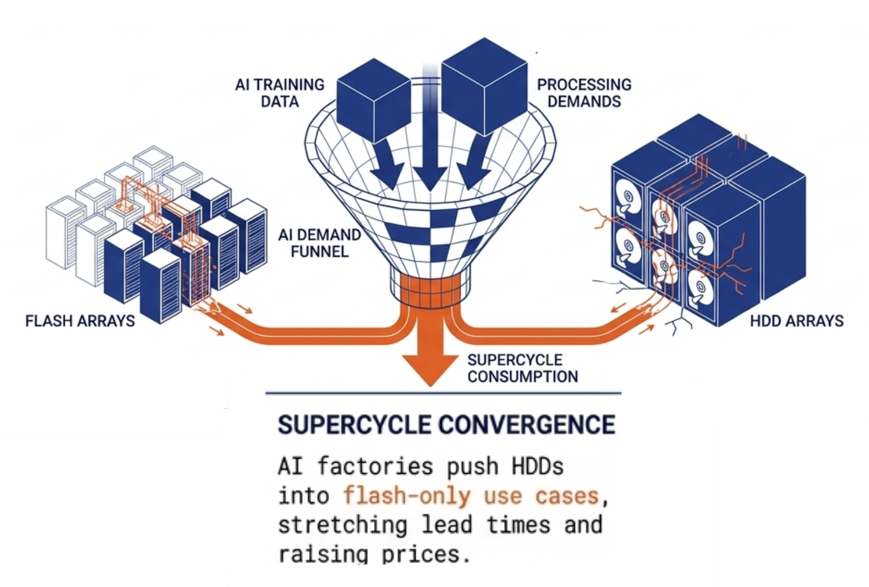
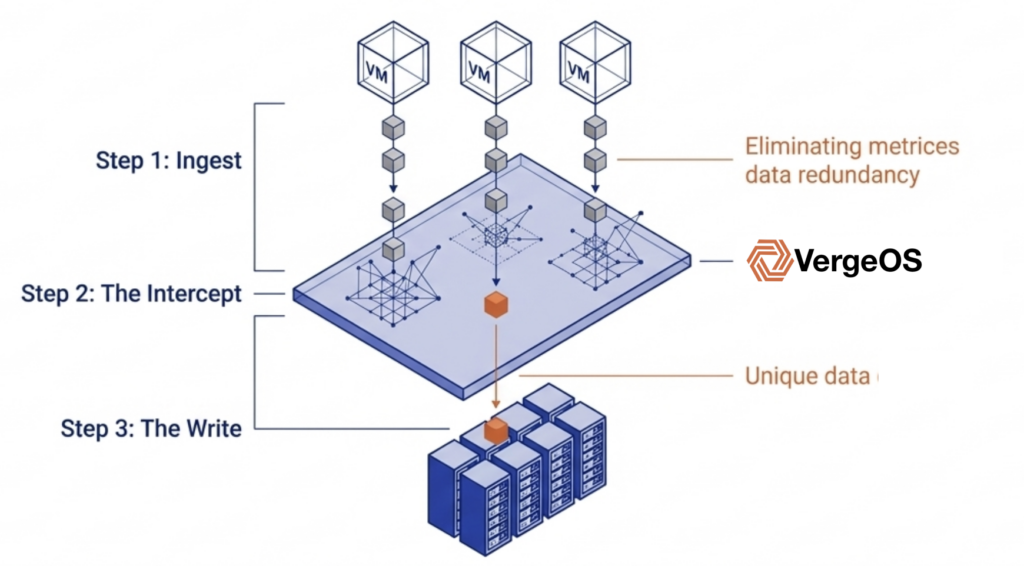
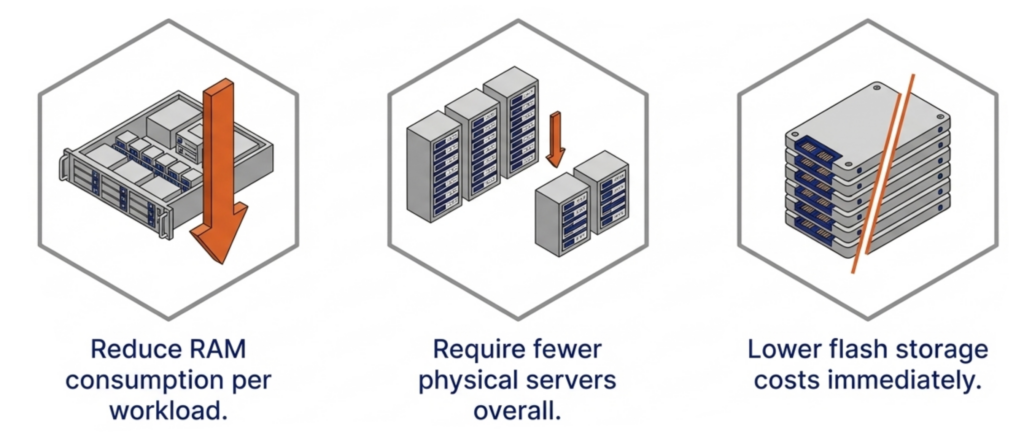 DRAM prices are expected to increase 171% year-over-year through 2027. NAND flash contract prices jumped 55–60% in Q1 2026 alone. Server orders that once shipped in weeks now face multi-month delivery delays. The platform you choose now determines how much RAM, flash, and hardware you need for the next three to five years.
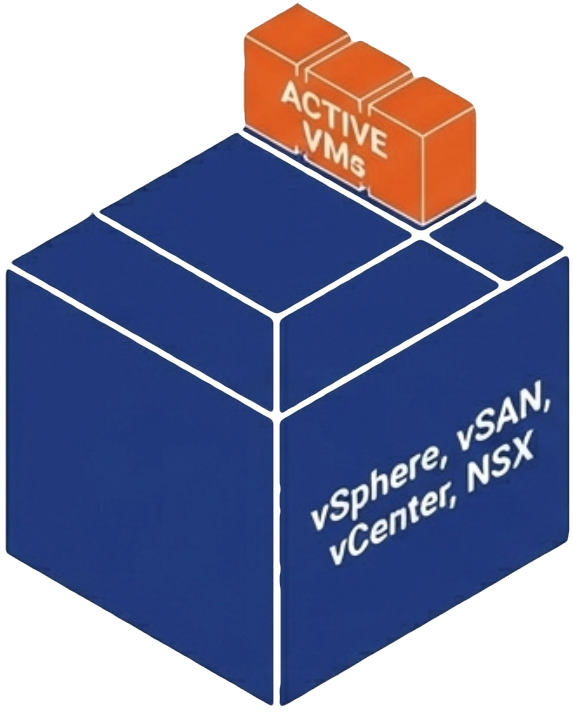
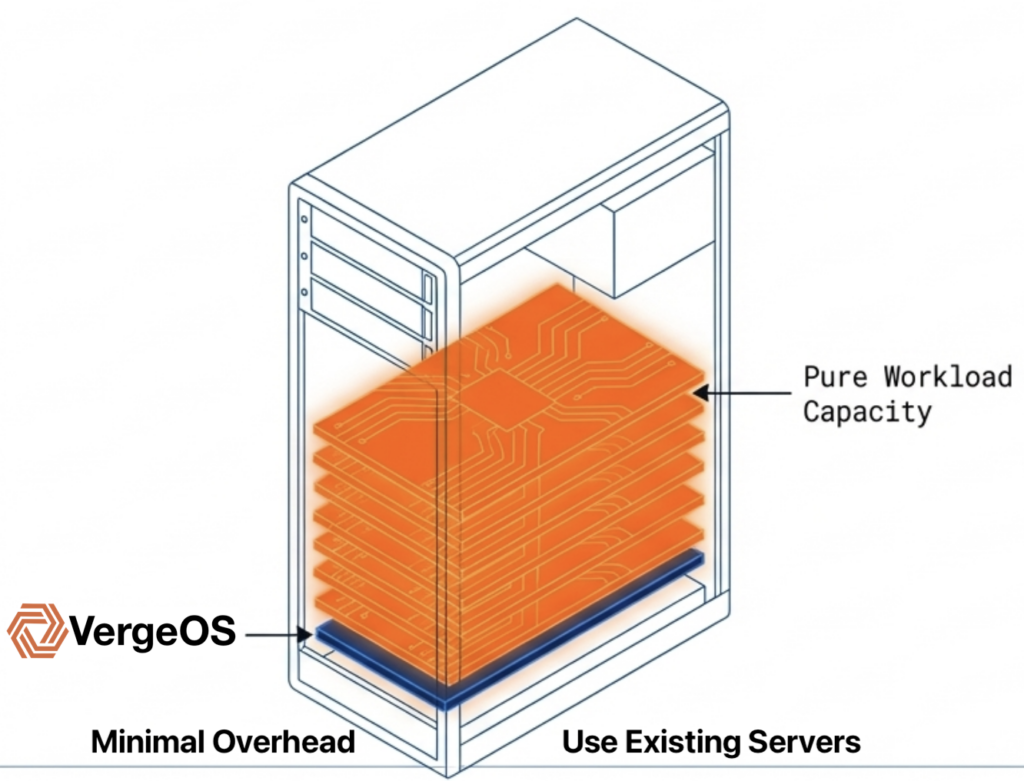
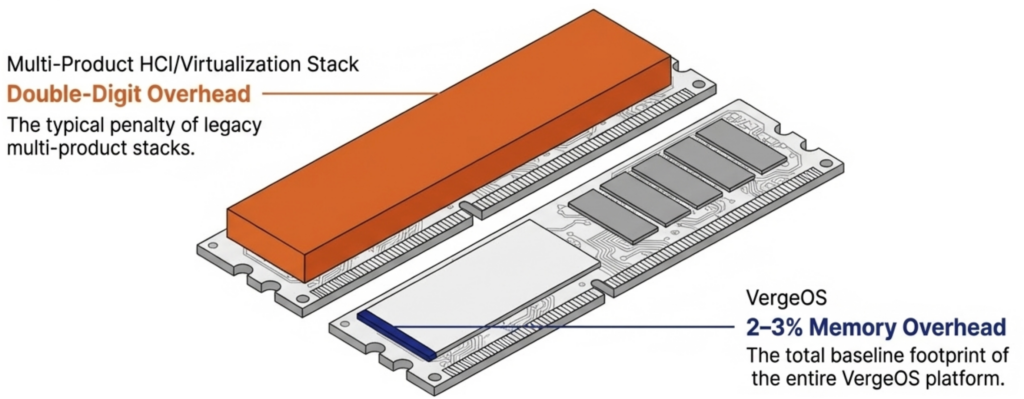 It eliminates the need for hardware RAID controllers, which are also increasing in price because they consume RAM. VergeOS includes built-in data replication for disaster recovery, and its global inline deduplication reduces capacity costs at the disaster recovery site as well. The entire platform runs at 2–3% memory overhead. Compare that to the double-digit percentages consumed by multi-product virtualization stacks and HCI platforms that reserve tens of gigabytes per node before workloads even start.
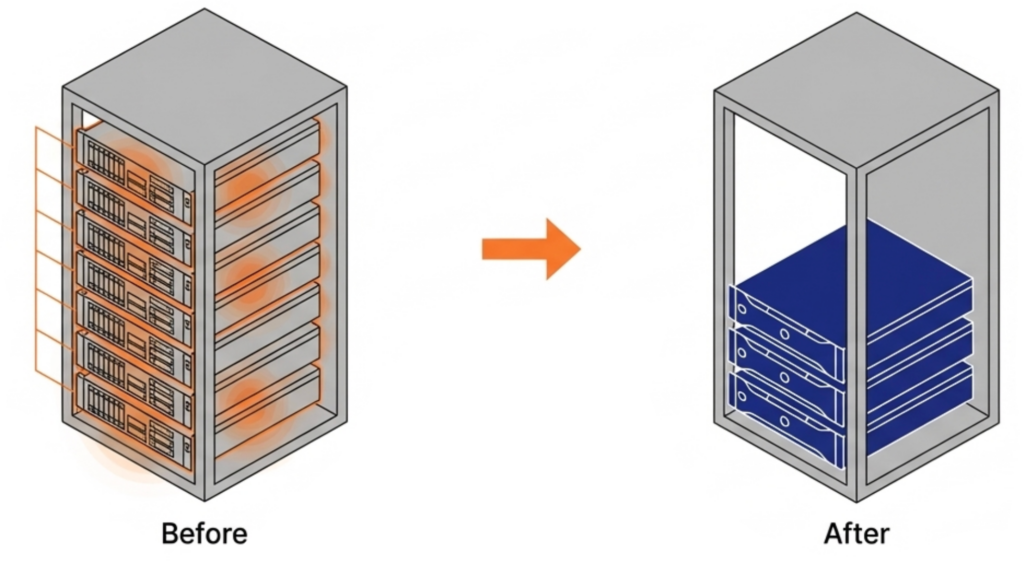 VergeOS installs on any x86 server from any manufacturer. Organizations migrating from VMware continue to run on the same physical servers they already own. There is no hardware forklift upgrade. No waiting six months for new server deliveries that keep getting pushed back as memory and flash shortages worsen. The servers, RAM, and SSDs already purchased and deployed remain in production.
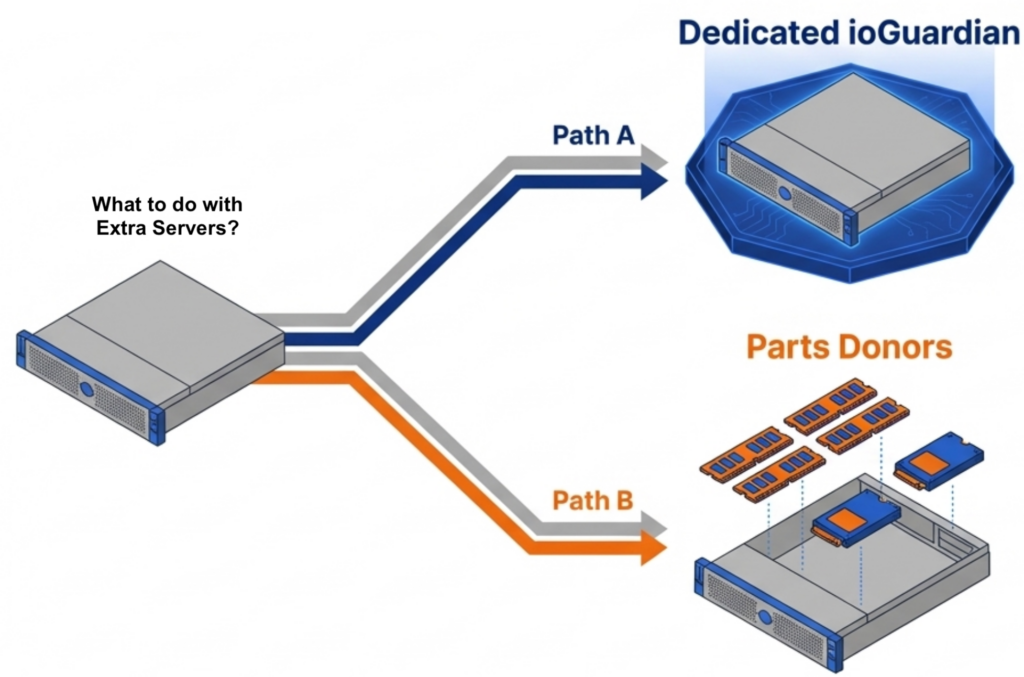 The consolidation math works across an entire fleet. An organization running 100 six-node VMware clusters that consolidates to 100 three-node VergeOS clusters frees 300 servers for repurposing, retirement, or spare parts — during a supercycle where replacement hardware is both expensive and slow to ship.
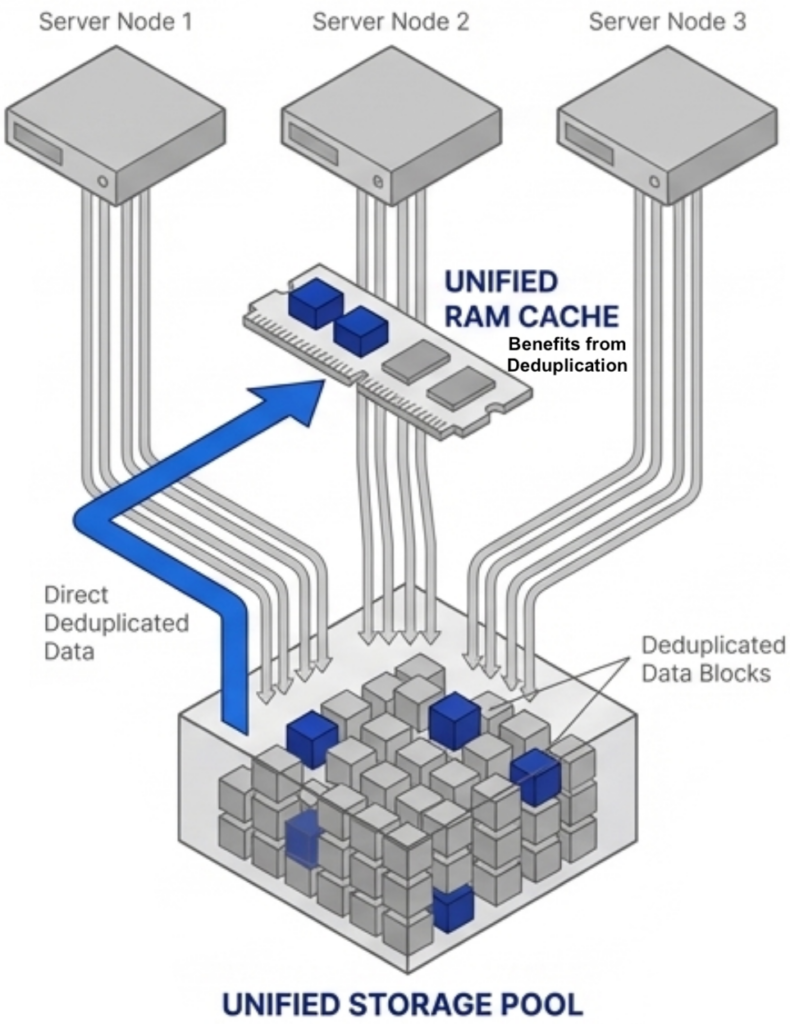 Most virtualization platforms cache storage data independently on each node. If ten nodes access the same data block, ten separate copies sit in ten separate caches. That wastes RAM on redundant data across the cluster.