Raising the Bar on Data Availability and Disaster Recovery
with VergeOS 26.1
Register for the Live WebinarTwo Problems, One Platform
Slow Repair Extends Risk
When a drive fails, every hour spent in a degraded state is an hour where a second failure could cause data loss. Slow disk repair turns a survivable event into a high-risk window.
Redundancy Gaps
Standard N+1 redundancy protects against a single failure. Organizations that need protection from multiple simultaneous failures have historically required separate storage arrays or bolt-on solutions.
Bandwidth Waste
When every VM replicates to a secondary site on the same schedule, the network carries data from test environments and inactive VMs that no one would prioritize in a recovery scenario.
Recovery Triage Under Pressure
All-or-nothing replication forces IT teams to restore entire environments during a crisis, then sort through the results. Planning should replace triage.
Strengthen Data Availability

4x Faster Disk Repair
Reduces the window of degraded-state exposure from hours to minutes. An N+1 configuration that repairs in one hour offers fundamentally different protection than one that takes four.
N+2 Redundancy (RF3)
Native implementation with ioGuardian for organizations that need maximum data availability. Sustains two simultaneous drive failures or a combined drive and node failure.
ioGuardian
Extends data protection beyond standard redundancy levels. RF2 with ioGuardian protects through multiple drive and even node failures, meeting the availability requirements most organizations need without the overhead of RF3.
Faster Controller Recovery
Faster controller walk times after reboot, improved cross-directory file threading, and better storage cache utilization reduce recovery time and improve effective availability across the platform.
Right-Size Disaster Recovery

Tag-Based Policy Control
Assign protection tiers using tags. Change a tag from "dev-test" to "production-critical" and the platform automatically adjusts replication schedule, snapshot inclusion, and recovery priority.
Bandwidth Reclaimed
Stop replicating Tier 3 and Tier 4 workloads. Redirect that bandwidth to tighter RPOs on mission-critical systems or reduce your circuit costs.
DR Storage Right-Sized
When only Tier 1 and Tier 2 workloads replicate, storage consumption at the DR site drops proportionally. Pay for what you need to protect.
No Third-Party Tools
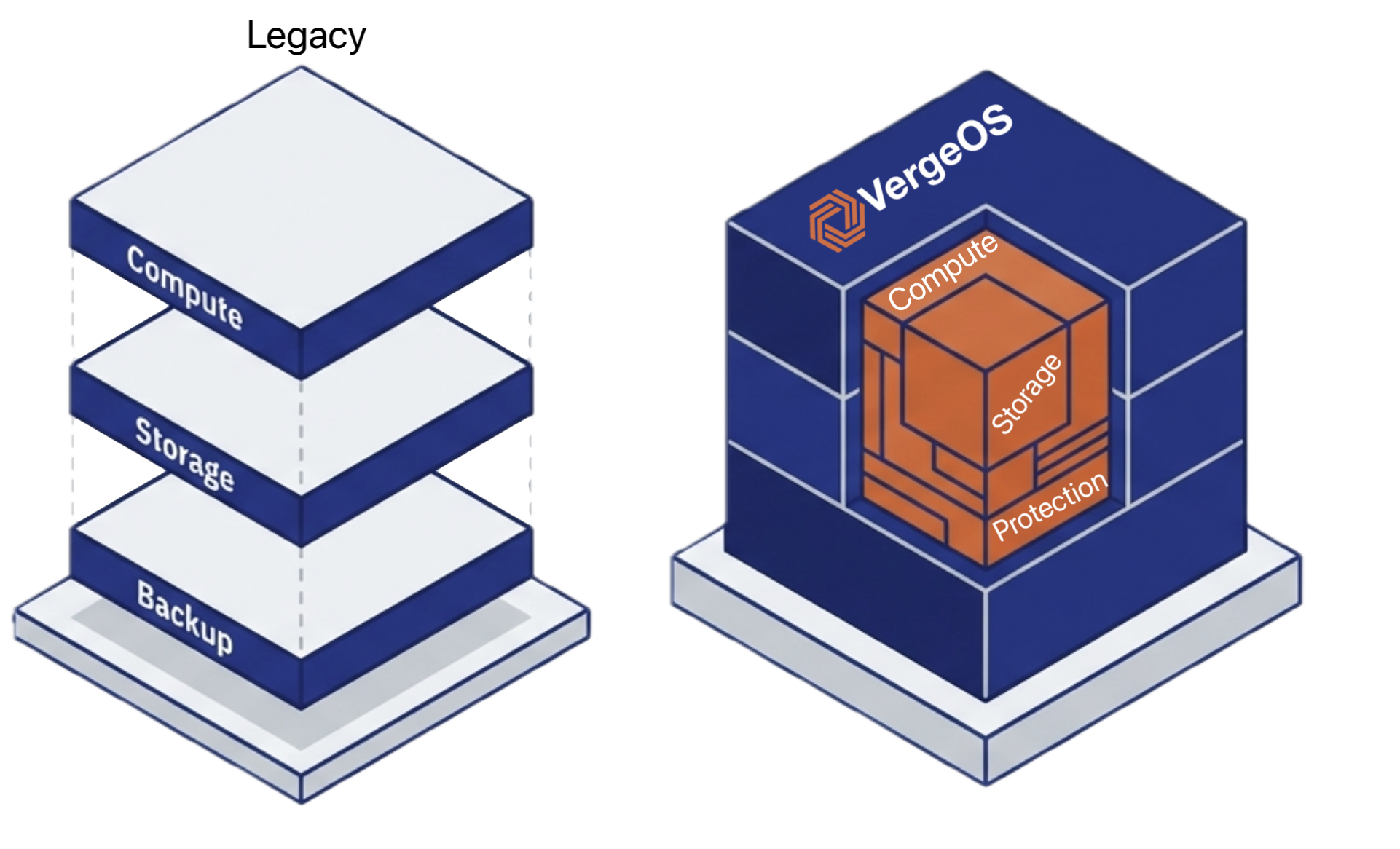
Data protection is a native service in VergeOS, integrated alongside virtualization, storage, and networking under a single management plane. No separate backup console or replication engine.
Workload Classification Framework

| Tier | Workload Type | Protection Level | Typical VM % |
|---|---|---|---|
| Tier 1: Mission-Critical | ERP, transaction databases, customer-facing apps | Per-resource replication, 5-minute RPOs | 10–20% |
| Tier 2: Business-Important | Email, collaboration, reporting databases | Hourly replication, tag-based snapshots | 30–40% |
| Tier 3: Standard Operations | Dev environments, staging, test labs | Daily/weekly snapshots, no replication | 30–40% |
| Tier 4: Minimal/None | Temporary VMs, POC, decommission candidates | No replication, minimal snapshots | 10–20% |
See Both in Action
Join the live webinar to see how VergeOS 26.1 strengthens data availability and right-sizes disaster recovery in a single platform.
Register for the WebinarTag-Based Partial Snapshots and Faster Replication

Scoped Snapshots
Create a snapshot that captures only VMs tagged "finance-critical" or NAS services tagged "compliance-archive." Leave everything else out.
Per-Resource Quiescing
Databases get application-level quiescing. File servers get filesystem-level quiescing. Stateless web servers get none. Tags control the behavior per resource.
Faster Site Sync
Improved replication performance and bandwidth utilization mean tighter RPOs on the same circuit. Achieve 5-minute RPOs on Tier 1 workloads where you previously hit 15 minutes.
Global Inline Deduplication
Eliminates redundant data blocks before they cross the site-to-site link, reducing both the bandwidth required for any given RPO and the storage capacity at the DR site.
Compliance-Ready
Create snapshot scopes that map directly to regulatory requirements. A "hipaa-ePHI" scope captures only regulated workloads on a schedule that matches HIPAA recovery objectives.
Full Sync Support
Partial snapshots participate in the same replication and recovery workflows as full environment snapshots. No separate tool, no additional licensing.
Stronger Availability. Smarter Recovery. One Platform.
Join the live webinar on March 4 at 1:00 PM ET to see how VergeOS 26.1 improves data availability and right-sizes disaster recovery without bolt-on tools or third-party licensing.
Register for the Webinar